

Ever landed in a new country, buzzing with excitement, only for your phone to stubbornly say "No Service"? That moment can really take the sparkle out of your adventure.
I’ve got a few simple tips to help you stay online. Consider using eSIMs (digital SIM cards that let you switch carriers easily) or portable hotspots (tiny devices that boost your signal wherever you go).
Forget about those unexpected fees. With these tricks, you can roam globally without any hassle. Imagine exploring winding streets, tasting local treats, and sharing your journey, all without a connection hiccup.
So, why not keep it simple, stay connected, and focus on the magic of discovering new places?
Key Travel Connectivity Update Tips to Stay Online Abroad
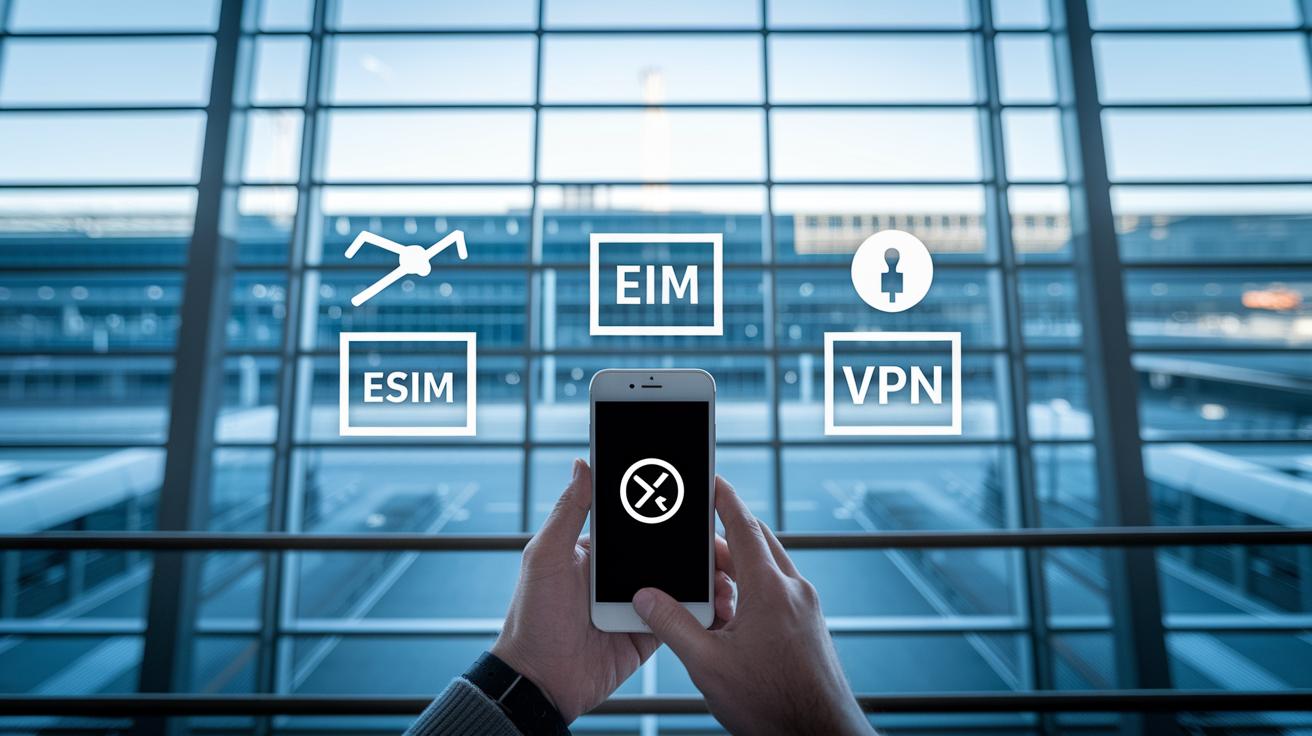
Traveling internationally can be an absolute thrill, but sometimes your phone might suddenly show "No Service" right after you land, leaving you a bit stranded. It feels like you’re missing out on exploring because you can't navigate or chat with friends, and those roaming fees can make even a quick email seem expensive.
Here are some friendly tips to keep you connected without the stress:
- Activate an eSIM for instant digital roaming. This nifty method lets you set up a plan online with just a few taps, so you’re ready to connect the moment you land.
- Always use a trusted VPN when using public Wi-Fi. Imagine checking your email in a busy terminal while a solid VPN quietly protects your data from prying eyes.
- Preinstall offline maps, translation, and entertainment apps. Think of it like having a local guide on your phone, leading you through unfamiliar streets even when you’re off the grid.
- Carry a lightweight portable hotspot or tether device. Picture your phone turning into a mini Wi-Fi hub so you can connect your tablet or laptop whenever you need to book a last-minute hotel.
- Compare local SIM options with your home carrier’s international plans before you depart. You might find a plan that offers steady data without those surprising fees, ensuring every minute online counts.
By mixing smart choices with modern tech, you not only dodge connectivity hassles but also open up a smooth digital journey no matter where you roam. Enjoy your adventures and stay connected!
International Data Planning and SIM Options for Global Travelers

When you're setting off on your adventures, figuring out your data options is kind of like mapping out your route, it's essential and can save you lots of hassle (and money!). Booking an international plan from your home carrier or grabbing a local SIM once you land can trim roaming fees by nearly 70%. For instance, in Europe, you might find prepaid SIMs charging around €5 to €10 per GB, while in Asia, you could see costs ranging from $2 to $8 per GB. And don't forget to unlock your phone before you go, it helps dodge any pesky compatibility issues that might cut your connection short.
Traditional SIM Cards
Lots of travelers still lean towards traditional prepaid SIM cards since they're a simple way to get connected with local networks. When you pick up a SIM locally, you might have to flash some ID around (just a quick check), and sometimes you'll need to pop into a vendor's shop to get it activated. These SIMs often come with fixed data limits, so if you run out of data, you might have to switch cards before your trip wraps up. This option works well if you're staying in one spot with steady coverage and clear prices.
Embracing eSIM Technology
There’s also the sleek, modern option: eSIMs. The idea is quite simple, you buy a digital plan and install it right on your smartphone. Many providers even sweeten the deal by offering free eSIM trials, so you can take it for a spin without signing up for the long haul. Plus, switching between data plans mid-trip becomes a breeze, meaning you can easily tweak your plan based on where you are and how much data you need. Imagine being able to adjust your plan as you wander through new cities, it makes traveling that much smoother.
Portable Hotspot Options and Backup Internet Solutions

Portable hotspots and backup internet options are essential when you set out to explore new places. They serve as your safety net when cellular networks drop, whether you’re navigating a lively city or venturing into quiet, far-off areas. With the right device, you can easily check maps, share updates, or snag a last-minute booking.
Every option brings its own benefits. Portable Wi-Fi hotspots let you create your own network right in the heart of a city, offering consistent unlimited data for a fixed fee. In more remote spots, satellite hotspots cover larger areas, though they cost a bit more each day. And if you’re staying at a hotel, the Wi-Fi there can be a handy temporary fix, even if it means slower speeds or some data limits. For extra travel tips on using these hotspots, check out travel tips.
| Device Type | Coverage Area | Cost Range per Day |
|---|---|---|
| Portable Wi-Fi Hotspot | City & Suburbs | $7–$12 |
| Satellite Hotspot | Remote Areas | $20–$50 |
| Hotel Wi-Fi | Hotel Premises | Varies (with limits) |
Keeping more than one connectivity option in your travel bag means you always have a backup plan. With a bit of planning, even if one method falters, another will keep you online and informed, making your global roaming effortless and stress-free.
Ensuring Security and Device Compatibility on the Go

When you're traveling, keeping your data safe is a must. Using a trusted VPN on public Wi-Fi stops cyber sneak attacks from peeking at your private info. And firewall apps can block any unwanted connections when you're on a network that might be a bit risky. Checking your hotel’s Wi-Fi policies ahead of time can also save you from unexpected fees or slow speeds. For example, setting your VPN to auto-connect on shared networks is like having a digital bodyguard for your data.
Next, it's really important to ensure your device works well with local networks. Give your phone a quick update and check that it supports the local network types (like GSM/CDMA and 4G/5G) in the regions you plan to visit. This simple step helps your phone catch local signals without any hiccups. A quick peek at your model’s specs can save you from the frustration of struggling with network compatibility later on.
Before you set off, take a few minutes for a pre-trip device check. Activate any security features, update your apps, and test your VPN settings to make sure everything’s set to keep your privacy intact. This little checklist, from checking compatibility to securing your personal info, lays the foundation for a worry-free journey, letting you focus on the adventure ahead.
travel connectivity update tips: Effortless Global Roaming

Ever been abroad when your connection suddenly vanishes? It’s like losing your way on an unexpected detour. To keep an eye on your data and roaming charges, download a handy app that sends you automatic alerts as you come close to your limit (think of it as your travel buddy keeping watch). For instance, set it up so you get a heads-up when your usage hits 90%, letting you tweak your settings or cut back before surprises pop up.
When you notice your signals fading like a distant horizon, try switching between 4G and 5G. Sometimes, a quick reset of your phone’s network settings can bring your connection roaring back, much like a sudden burst of local street food energy that revives your spirit. Imagine rebooting your device and reconnecting faster than wrestling with a lengthy troubleshooting guide!
Before you head out, take a little time to save important emergency contacts and local helpline numbers (yes, even that 24/7 carrier hotline). This small step is like packing an extra map, you’re prepared if your device loses its signal. A quick digital checklist on your phone can be a lifesaver when you need a backup plan.
Next, if you ever run into connection hiccups, remember these simple moves:
| Step | Action |
|---|---|
| 1 | Check your data settings and keep an eye on usage in real time. |
| 2 | Switch between 4G and 5G if the signal drops. |
| 3 | Restart your phone’s network settings as a quick fix. |
These friendly tactics help you manage unexpected drops in connectivity, ensuring you stay online and enjoy your journey without worrying about extra charges.
Final Words
In the action of tackling abroad connectivity, we’ve sifted through ways to dodge weak signals and security issues. We covered using eSIMs, trusted VPNs, and offline resources to keep you linked no matter the spot.
The tips, including travel connectivity update tips, show how smart planning, like comparing local plans to international ones, can keep you online effortlessly. Every step brings you closer to a smooth digital ride, making each connection a small win on your paths ahead.
FAQ
What are the top travel connectivity update tips to stay online abroad?
The top travel connectivity update tips mean using an eSIM for quick data, employing a trusted VPN, preloading offline apps, having a portable hotspot, and comparing SIM plans to avoid high fees.
How can international data planning and SIM options lower roaming fees?
The international data planning and SIM options cut roaming fees by encouraging research on local SIM or eSIM trials, unlocking your phone, and choosing cost-effective data plans that can save up to 70% on charges.
What benefits does using an eSIM offer for global travelers?
The use of an eSIM simplifies your digital setup by allowing instant activation of data plans, free trials, and easy switching between providers without needing a physical store visit.
How do portable hotspot options serve as reliable backup internet?
The portable hotspot options provide a backup by offering mobile Wi-Fi, satellite options for remote regions, and an alternative when hotel or public Wi-Fi is limited, keeping you online throughout your trip.
What steps can travelers take to secure their devices abroad?
The recommended security steps include using trusted VPN apps, keeping firmware updated, checking local Wi-Fi policies, and installing firewalls, which protect your data on public or unsecured networks.
How can travelers troubleshoot connectivity issues while abroad?
The troubleshooting approach involves monitoring data usage with apps, switching between network bands, restarting settings, and keeping local support contacts ready to quickly resolve any connection drops.